




How to bring relevant buyers to your promotional products webshop

You want visitors who have a reason to buy from you.
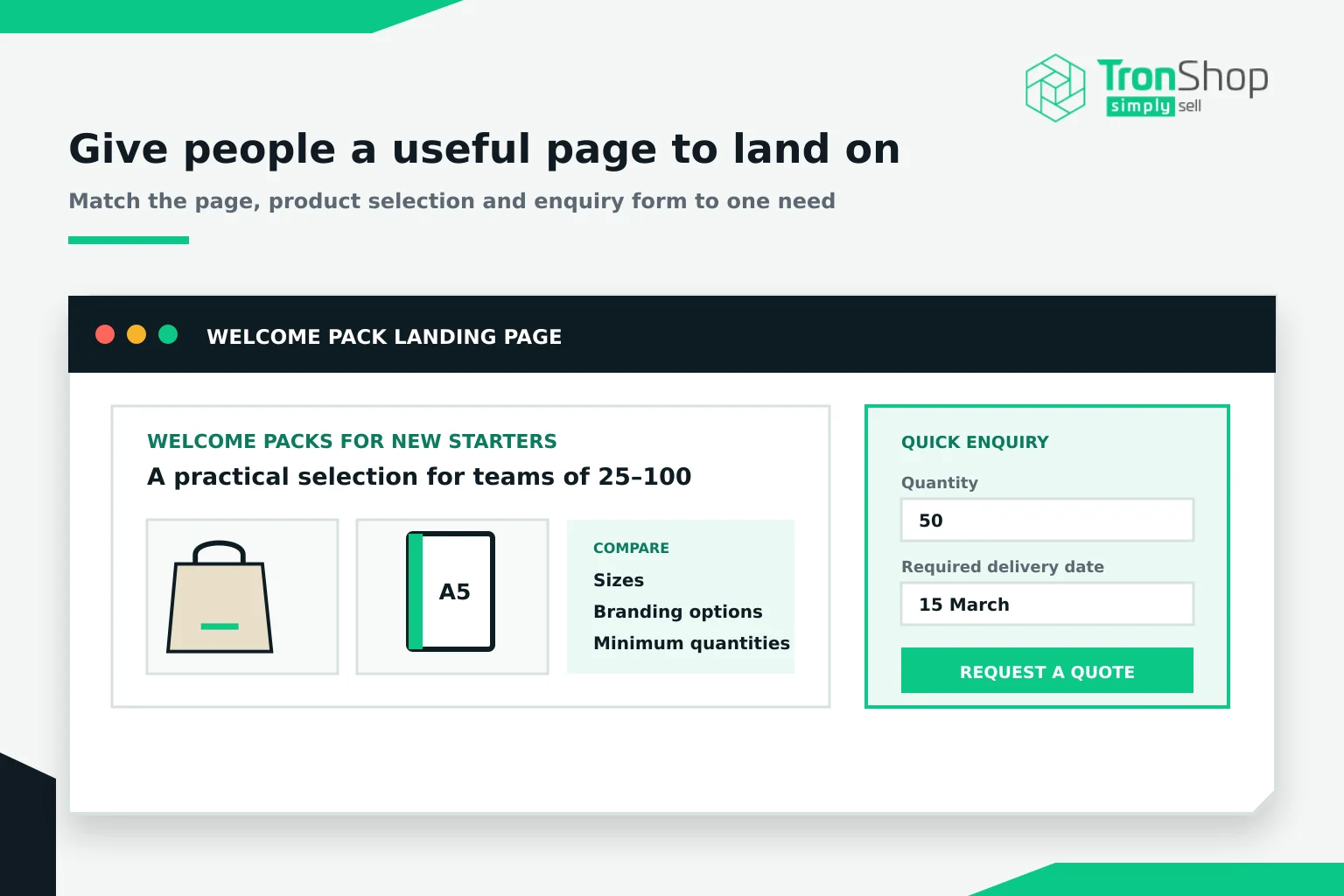
That could be an HR manager preparing welcome packs for 50 new starters or a marketing team ordering giveaways for an exhibition. Their first step might be requesting a quote with a quantity and deadline. Your webshop should make that easy.
Choose one buying need to focus on. It gives you something specific to promote and helps you decide which products belong on the page.
Give people a useful page to land on
If your post promises notebook ideas for conferences, the link should open a relevant selection. Sending someone to your homepage leaves them to find those notebooks again.
Show the details they need to compare options. Explain sizes, branding choices, minimum quantities where applicable and what you need to confirm delivery.
TronShop brings connected supplier ranges and standardised product data into your webshop, helping you build a selection across suppliers. Your job is to explain why those items suit the brief. A notebook with plenty of writing space might work well for a training day; a smaller one might fit better into an exhibition bag.
Check the page on your phone.
Can you read the details, find the next step and submit an enquiry comfortably? Ask for enough information to respond, but keep unnecessary questions out of the first form. Quantity and required delivery date may tell you more than a dozen mandatory fields.
Put your shop into conversations you already have
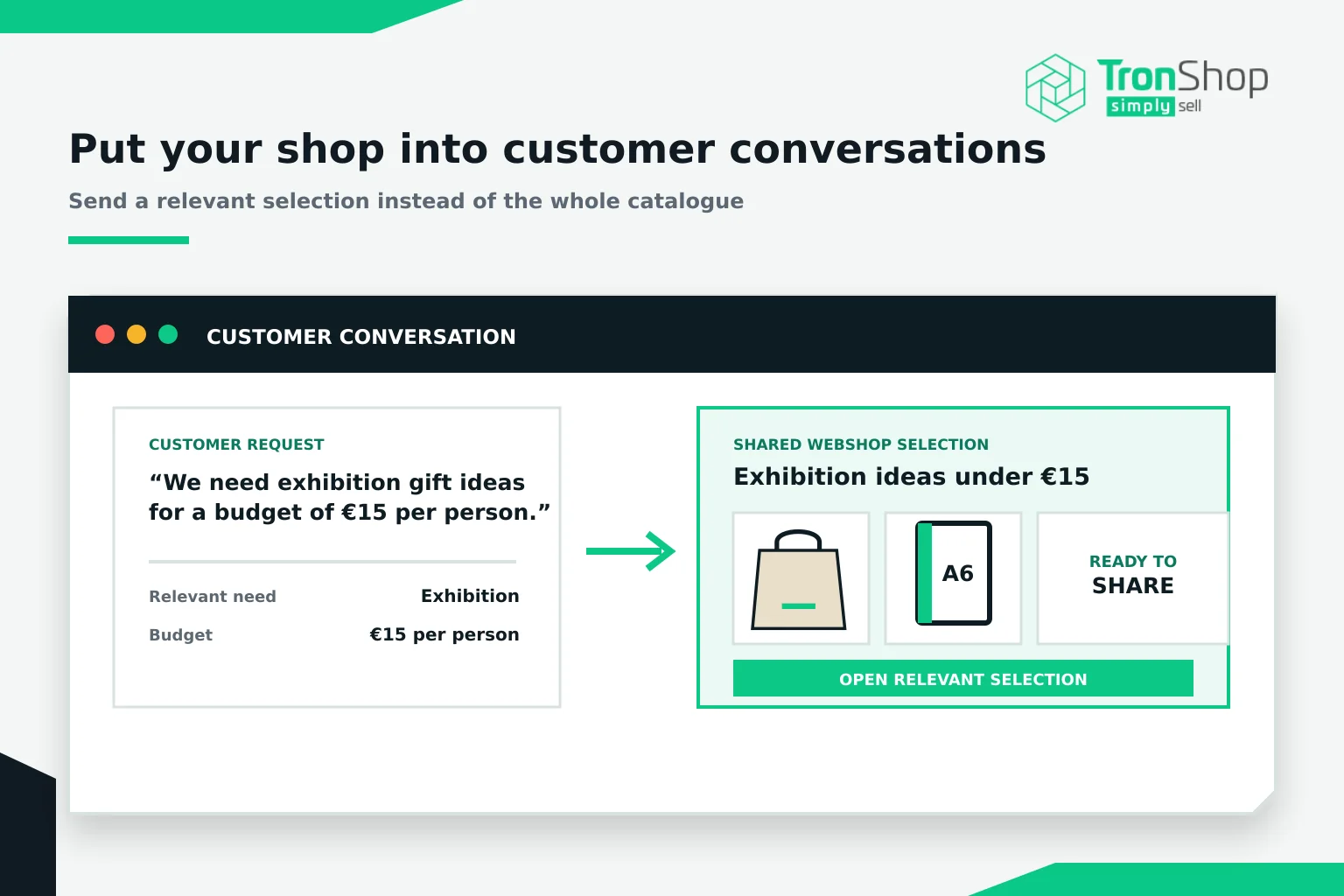
When a customer asks for gift ideas, send them a relevant selection from your webshop. Match it to their budget and purpose rather than sending a link to the whole catalogue.
That page can also help them discuss options with colleagues. Someone in marketing may choose the products, while procurement needs to review the cost.
Add your webshop link to your email signature and customer-facing materials. Where you’re permitted to send marketing emails, use what you know about the customer to make the content useful. Someone who regularly orders exhibition merchandise may appreciate planning advice before their next event. A customer buying uniforms probably needs a different message.
Connect your posts and emails to the same offer
You don’t need to promote everything at once.
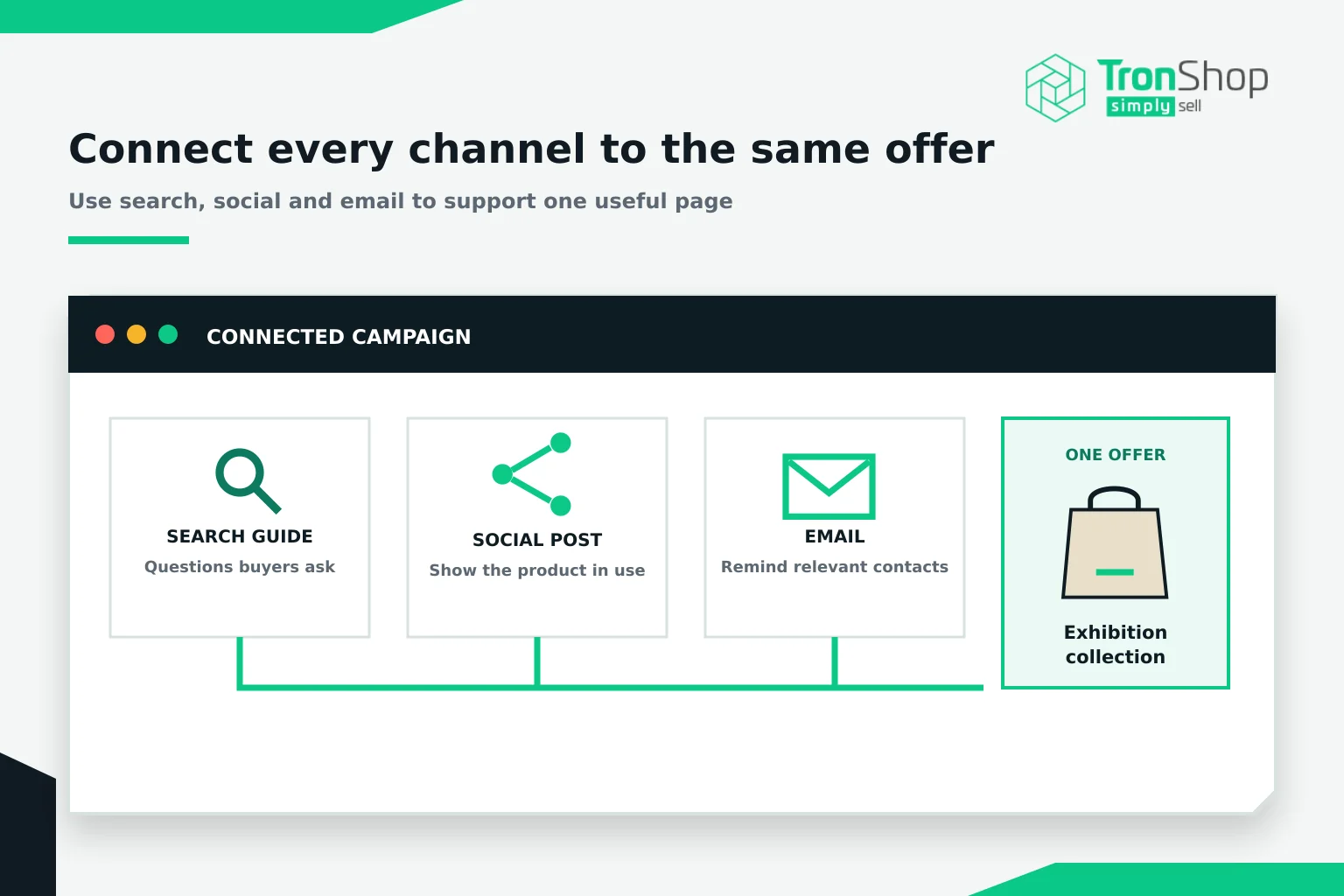
Take an exhibition collection. You could write a short guide to choosing giveaways, post a photo showing how much the featured bag holds and email the collection to an appropriate group of contacts. Each piece should give people a useful reason to visit the page.
Search content can answer questions buyers are already asking. Social posts can introduce an idea they haven’t considered. Email can remind interested contacts that you can help.
Keep the product details and offer consistent across them. If your email mentions a particular branding option, readers should be able to find it when they click through.
Set a budget before testing paid ads
Paid search is worth assessing when you have a clear offer, a suitable page and a way to record enquiries.
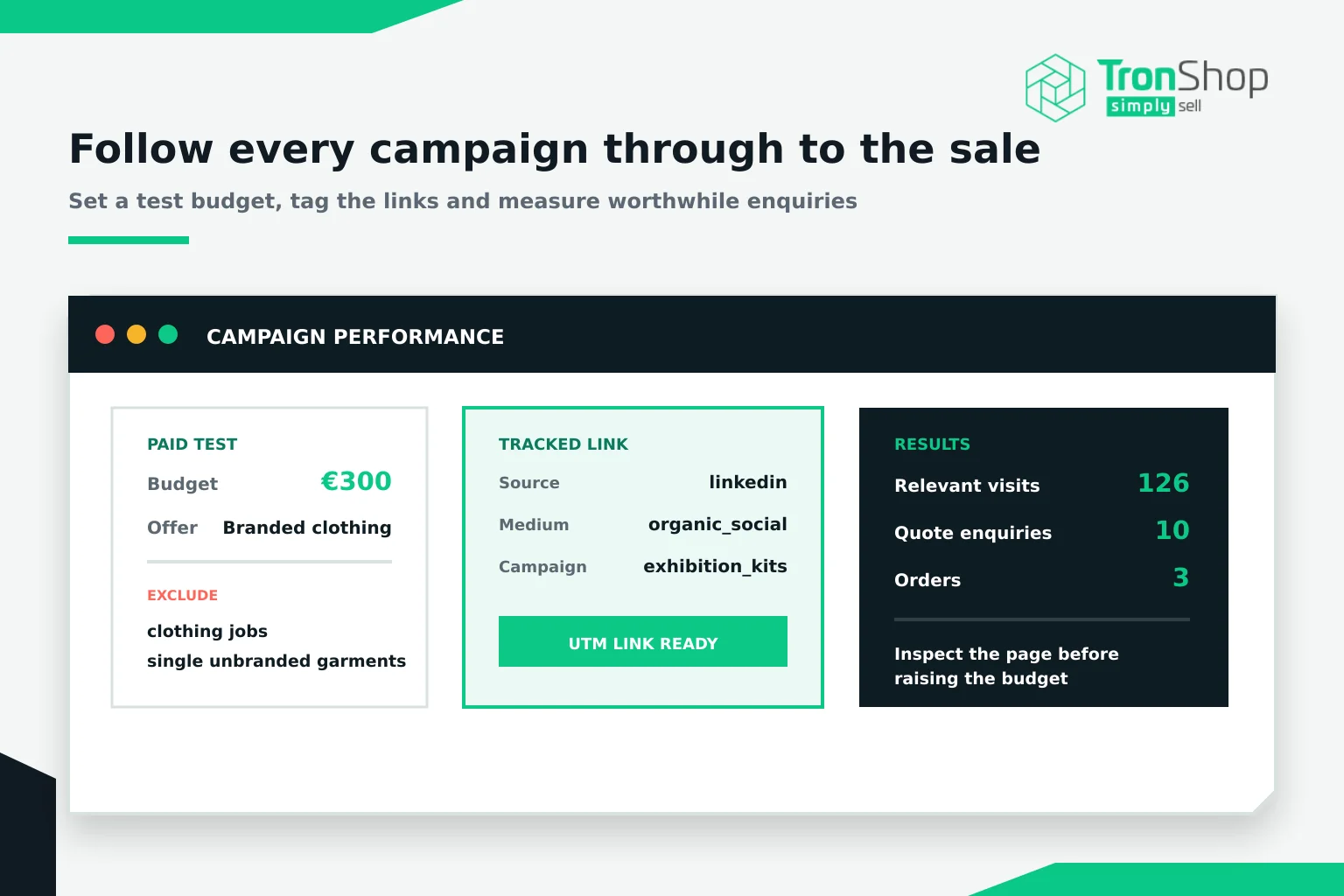
Decide how much you can afford to spend on the test. Then review the searches that trigger your ads. If you sell branded clothing to businesses, searches for clothing jobs or single unbranded garments may be irrelevant. Exclude terms that don’t fit what you supply.
Cheap clicks can still waste money.
Look at what those visitors ask for and whether the enquiries become worthwhile orders. Allow for your margin and the time your team spends quoting. A campaign that generates plenty of requests for jobs you cannot fulfil needs adjusting.
Follow the enquiry through to the sale
Add campaign tags, called UTM parameters, to links in your external social posts and emails. These help Google Analytics identify where visits came from.
For an exhibition campaign, you might use linkedin as the source, organic_social as the medium and exhibition_kits as the campaign name. Keep the naming consistent and leave personal information out of the tags.
Track quote submissions, then connect them to your sales records where possible. Ask customers how they found you as well. Analytics won’t explain every enquiry.
Use the privacy notices and consent controls required for your tracking setup and markets.
If visits increase but enquiries stay flat, inspect the page before raising the budget. Is the price clear? Does the selection match the message? Does the form work? Your sales team’s conversations can help you identify what the numbers miss.
Choose one customer need and run a small campaign to a page built around it.