




How to send an email campaign for your promotional products webshop

If visits or enquiries have slowed down, an email campaign gives you a way to invite relevant customers back to your webshop.
Give them a reason to return. An HR manager preparing welcome packs needs different ideas from a marketing team planning an exhibition. A useful email helps with that particular job, then makes the next step easy.
You can start with a small list and a free platform. Here’s how.
Choose one customer need
Before choosing a template, decide what the campaign should achieve.
“Promote our products” is too broad. “Get enquiries for staff welcome packs” gives you something you can build an email around.
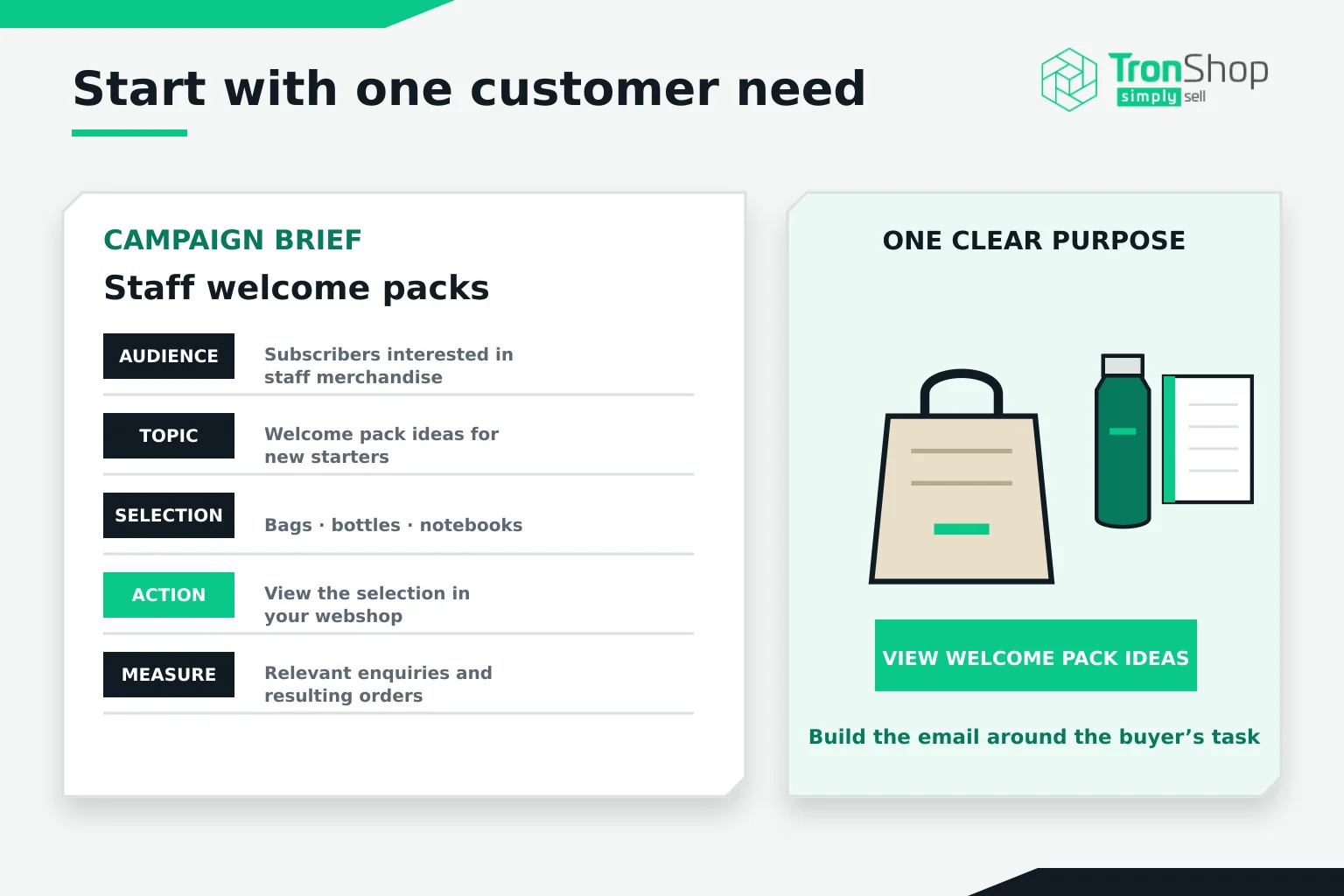
Keep your first plan simple:
- Audience: Subscribers who have expressed an interest in staff merchandise.
- Topic: Welcome pack ideas for new starters.
- Selection: A few suitable bags, bottles and notebooks.
- Action: View the welcome pack selection in your webshop.
- Measure: Relevant enquiries and the orders they produce.
That is enough to get started. You can add more detail once you’ve learned what people respond to.
Check who you can email
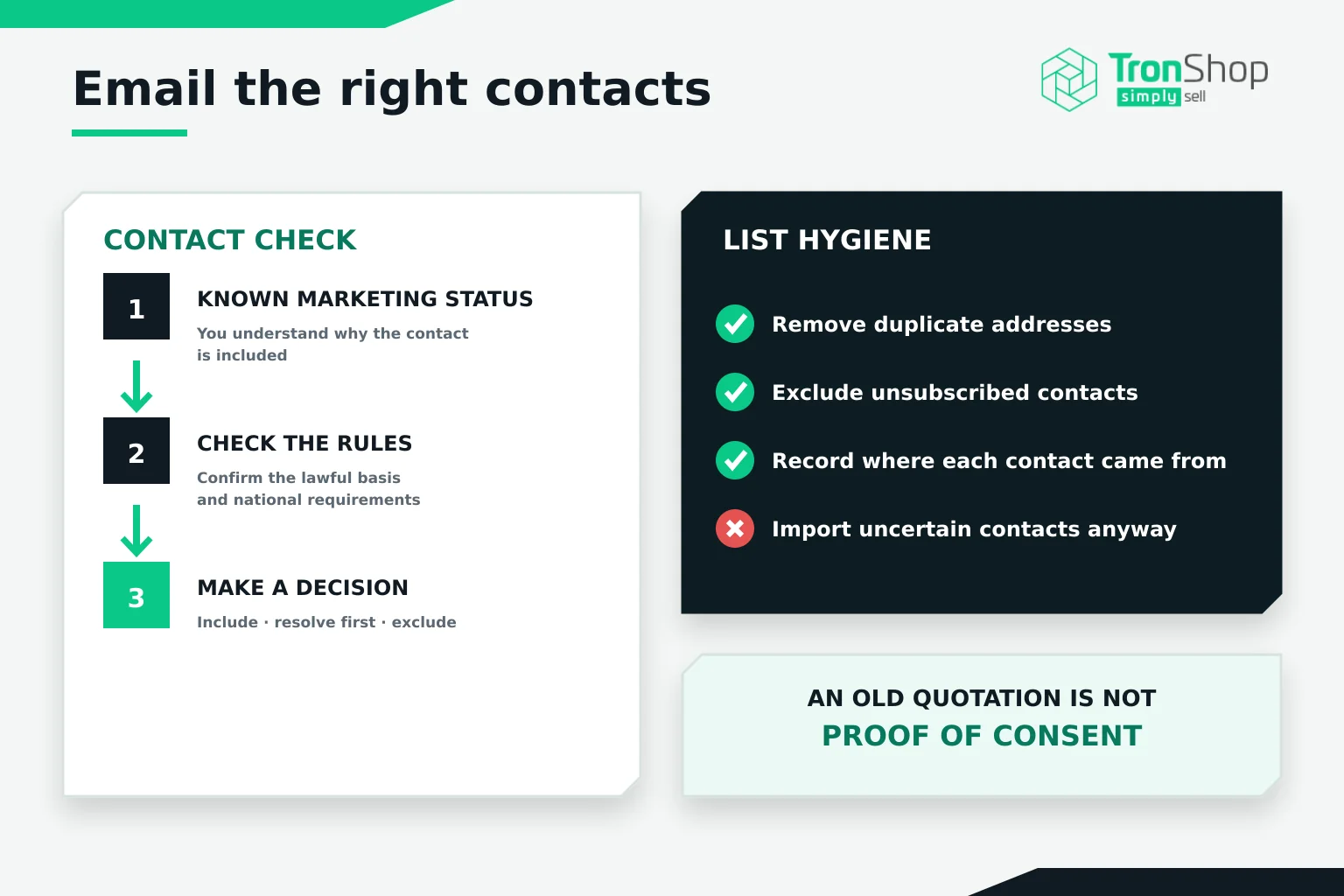
Work with contacts whose marketing status you understand. Remove duplicates, exclude unsubscribed addresses and check why each person belongs in the campaign.
An email address in an old quotation spreadsheet is not evidence of consent.
For EU campaigns, you need an appropriate GDPR lawful basis for processing personal data and must comply with the applicable national electronic marketing rules. Business-to-business requirements differ between countries. Legitimate interests does not override a requirement for consent to send marketing emails.
If you’re unsure about a contact’s status, resolve it before importing them. Check your platform’s rules too, as it may require permission beyond what local law allows.
Pick a platform that fits your first campaign
Use an email marketing platform rather than sending a large BCC email from your everyday inbox. You need a reliable way to manage subscribers, honour opt-outs and review results.
These two platforms offer free plans you can assess:
| Platform | Free allowance checked in October 2026 | What to consider |
|---|---|---|
| MailerLite | Up to 250 subscribers and 2,500 emails per month. | An option for testing a newsletter with a small subscriber list. |
| Brevo | Up to 300 email sends per day. | Useful for a small campaign, but the daily cap matters if you want everyone to receive it together. |
MailerLite’s figures come from its current pricing page. Brevo explains that campaigns exceeding its daily allowance need requeuing to reach the remaining recipients. Check the live limits before signing up.
Try building a test email before committing. Can you create the layout comfortably, select the right recipients and find the reporting?
Consider a paid plan when you exceed the free allowance or need a specific feature. Compare the cost at your expected list size and sending frequency. Also check whether provider branding remains on your emails.
If your team already uses an email platform, assess that first. Introducing another tool may create unnecessary work.
Prepare the destination before writing
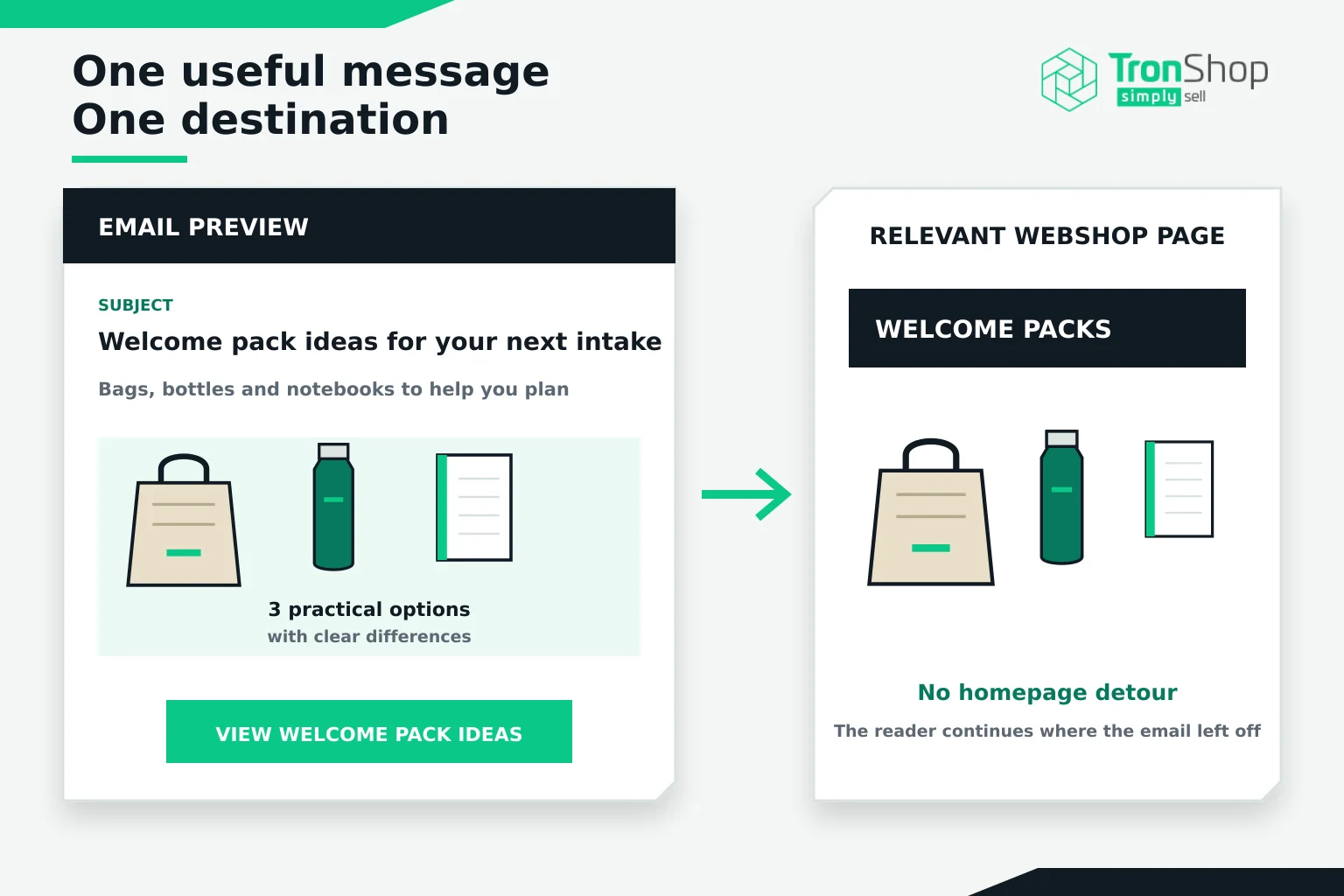
If your email features welcome packs, link to a relevant selection. Sending readers to the homepage makes them search again.
Choose products you can confidently recommend. Check branding options, minimum quantities and any stock or delivery claims you plan to mention. Explain what the customer needs to provide for a quote.
TronShop brings standardised product data from connected suppliers into your webshop, helping you assemble a selection across suppliers. Add your own advice about why those products suit the brief.
For example, photograph the contents inside the bag. That answers a practical question a buyer might otherwise miss.
Write one useful message
Start with the customer’s task.
A subject such as “Welcome pack ideas for your next intake” tells the reader what the email contains. The preview text can add detail: “A selection of bags, bottles and notebooks to help you plan.”
Then write as you would explain the options to a customer.
Keep the selection manageable. Show a few products, explain the relevant differences and use one main call to action, such as View welcome pack ideas. Avoid competing buttons for your catalogue, latest news and every other service you offer.
Check your images and descriptions. Label digital branded mock-ups as previews, and make the message understandable even when images do not load.
Test it before sending
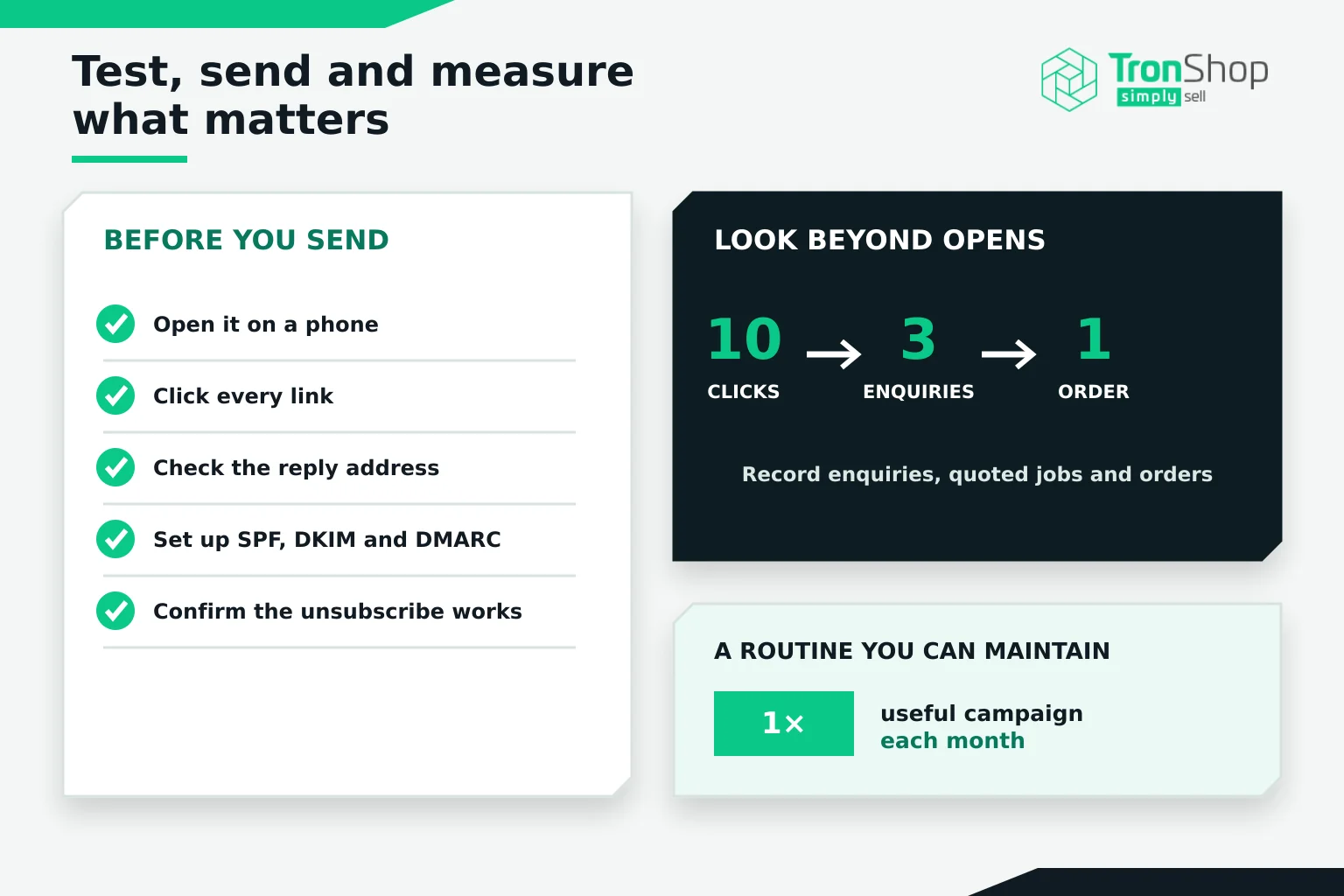
Send a test to yourself and a colleague. Open it on a phone, click every link and check the reply address.
Ask your platform provider or IT colleague to authenticate your sending domain with SPF, DKIM and DMARC. These help receiving systems verify your emails. Google recommends all three, with stricter requirements for bulk senders.
Include a clear unsubscribe option and make sure someone will handle replies.
Choose a sending time when your team can respond. You do not need to find a supposedly perfect hour before running your first campaign.
Look at what happened after the click
Record enquiries, quoted jobs and orders alongside the platform’s reports. Use consistent campaign tags on webshop links to help identify visits, with the privacy and consent controls required for your tracking setup.
Treat opens and clicks cautiously. Automated security checks and privacy features can affect those figures.
For example, ten clicks followed by three relevant enquiries may give you more to work with than a high open rate and no conversations.
Start with a frequency you can maintain, perhaps one useful campaign a month. Review the responses, then change one element in the next campaign so you can learn from the result.
Choose one customer need, build a small product selection and send yourself a test email this week.