





Social media basics for promotional product distributors

Your next customer might need merchandise but have no idea what to choose. A useful social post can help them get started.
Imagine an HR manager putting together welcome packs for new employees. They know they need a bag, a bottle and a notebook. They haven’t thought about whether everything fits, where the logo will go or how long production takes. You can show them.
That’s a good place to start with social media: the questions you already answer at work.
Choose a channel your customers use
You don’t need to be everywhere.
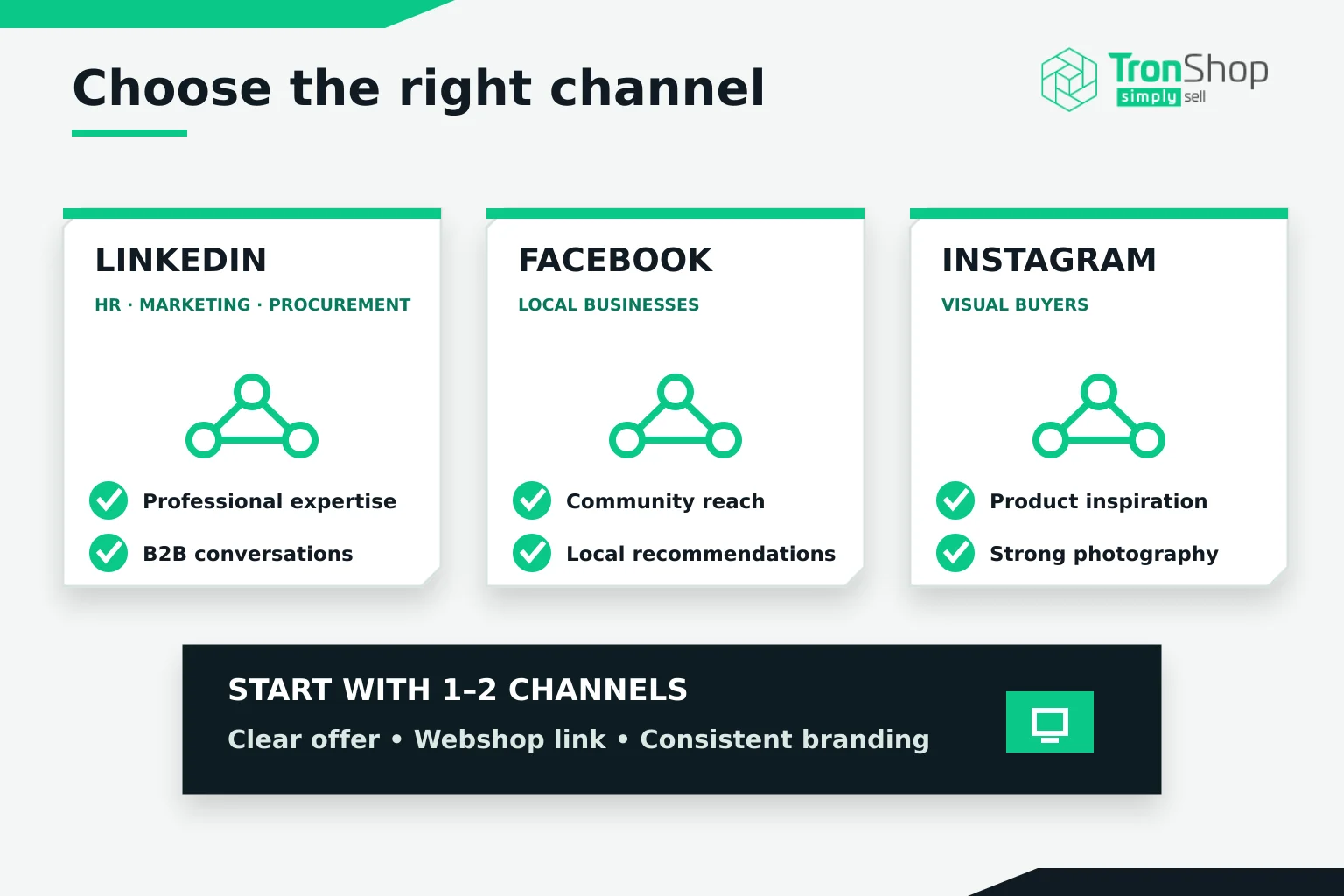
Ask a few customers where they look for suppliers and product ideas. LinkedIn is a reasonable channel to test if you work with marketing, HR and procurement teams. Facebook may be useful for reaching local businesses. Instagram could suit you if your customers use it and you have good product photography.
Choose one or two channels you can manage consistently. You can expand later.
Before posting, check your business profile. Can someone quickly see what you supply, who you help and how to contact you? Add your webshop link and use the same branding across both. A buyer who clicks through should recognise your business immediately.
Answer one buying question per post
“Here’s our latest notebook” gives someone very little to work with.
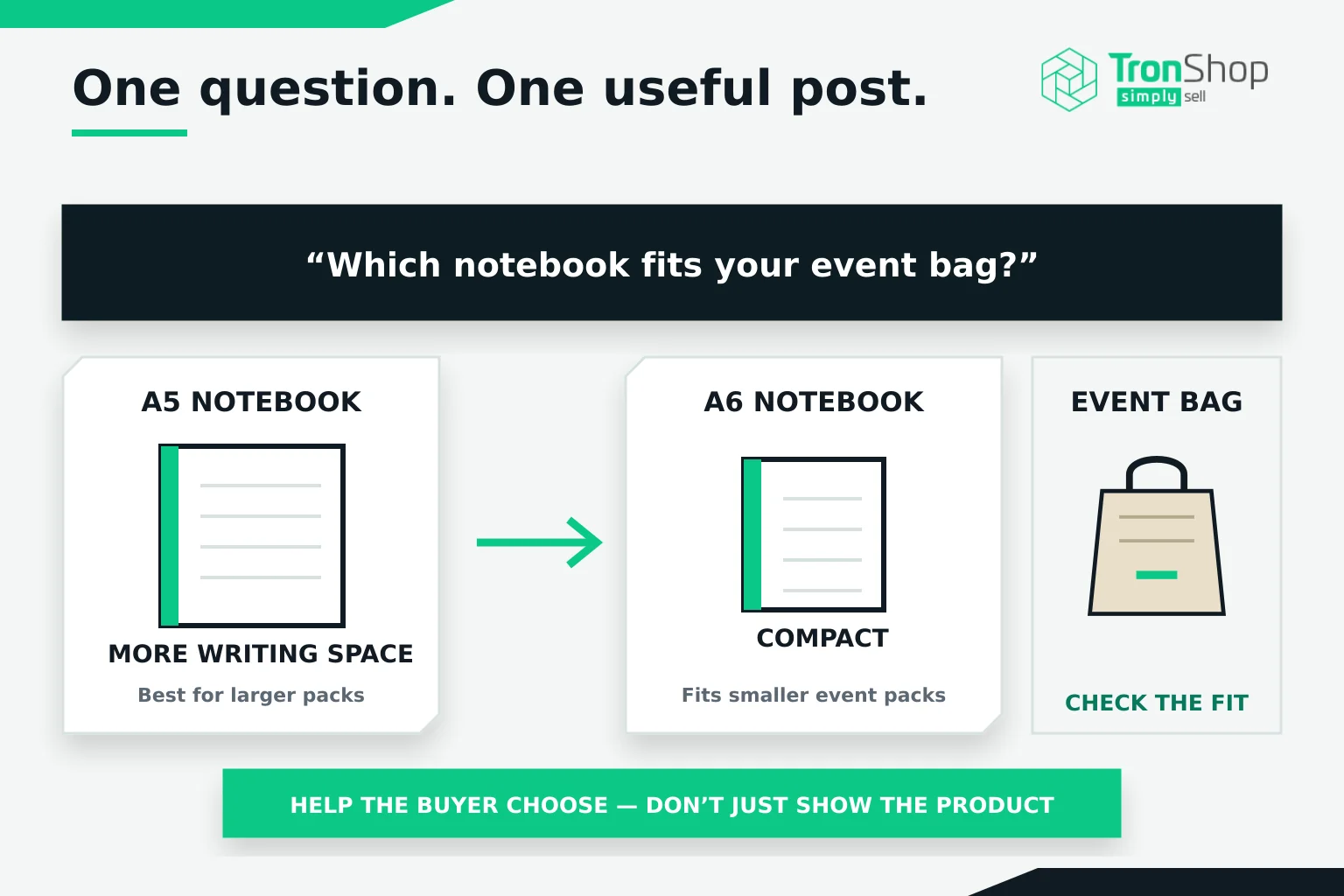
Show an A5 notebook beside an A6 version instead. Explain which one fits comfortably into a small event bag and which offers more space for meeting notes. Now you’re helping someone choose.
You could also explain why fine lettering may need adjusting for embroidery, show how much an exhibition bag holds or walk through the details you need before quoting branded clothing.
Keep each post focused. If you try to explain the entire ordering process at once, the useful detail gets buried.
Finished projects can work well too. With the customer’s permission, show what you supplied and explain the brief behind it. Describe the choices you made without inventing results you cannot measure.
Show the details buyers need to see
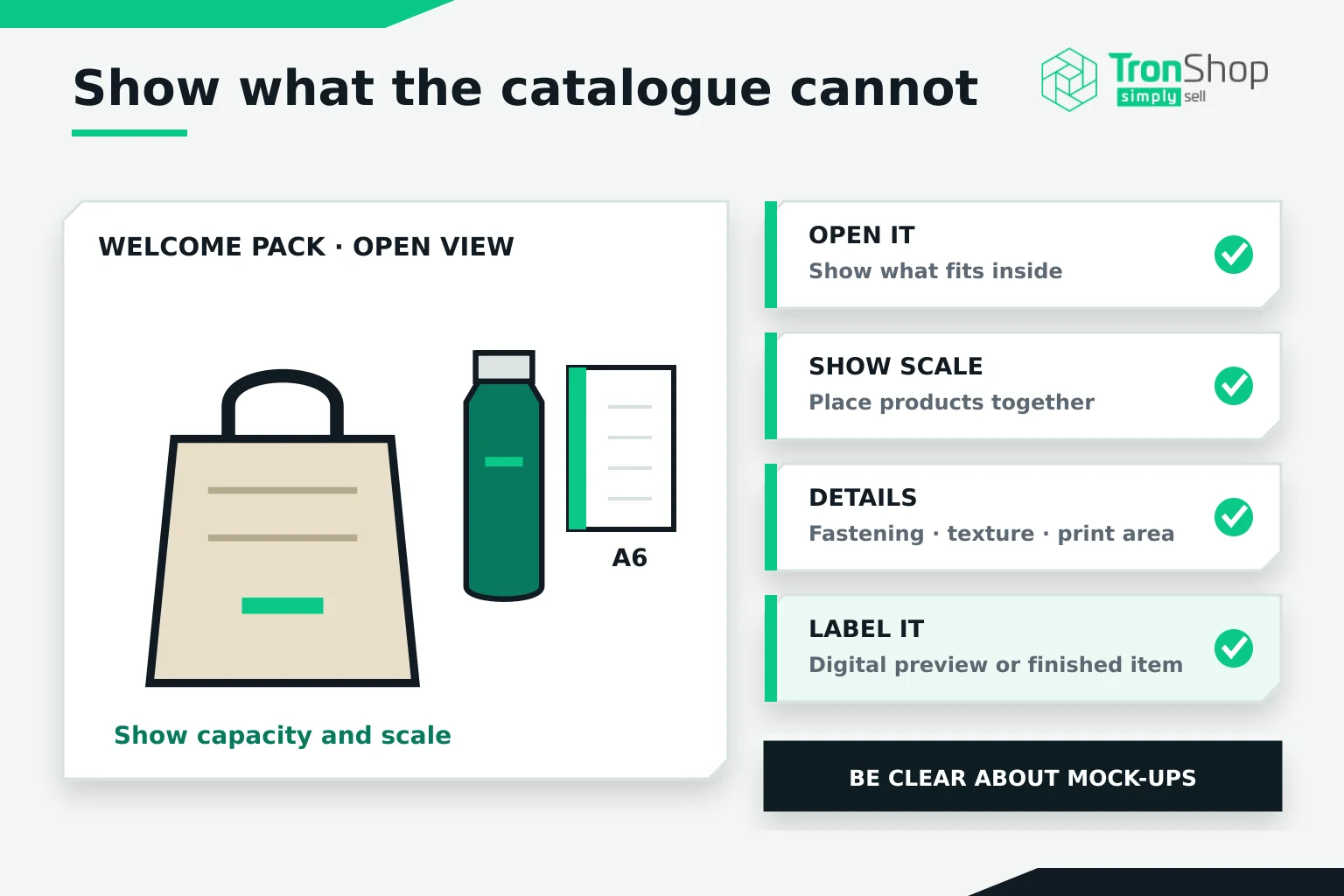
Take the product out of its packaging. Open the bag. Photograph the fastening. Put the notebook beside something that makes its size clear.
Good lighting helps, but the important part is showing what a buyer cannot judge from a standard catalogue image.
If you use a digital branded preview, say so. Customers should understand whether they’re looking at a mock-up or a photograph of a finished item.
PromoTron brings supplier product information together through its connected data platform, giving you a consistent starting point for selecting and describing products. Where available, its specialist visualisation tools can help you show how branding could look. Check the details for the specific item and confirm you’re allowed to reuse supplier images before publishing.
Write like you’re answering a customer
Start with something your reader needs to know.
“Planning staff welcome packs? Check that the bottle fits inside the bag before ordering the contents.”
Then explain the practical detail. Perhaps the bottle fits, but leaves no room for the notebook. A photograph of the packed bag would make that point clearer than a paragraph of product specifications.
Use the same care with claims. If a supplier documents recycled content, state the material and percentage accurately. Avoid describing something as environmentally friendly without evidence to explain what you mean.
Give the reader one clear next step. You might invite them to browse the featured products or ask you about branding. Choose whichever fits the post.
If you include a link, send them straight to the relevant product or collection. They’ve already shown interest; make it easy to continue.
Build a routine that fits your workload
Try two useful posts a week for a month. Treat that as a starting experiment, then adjust it to suit your team and audience.
Keep a shared folder of sample photos and a running list of customer questions. When someone asks whether a small logo will embroider clearly, save the question. You may have your next post.
Leave time to reply, too. If someone asks about a product in the comments, answer the question and explain the next step.
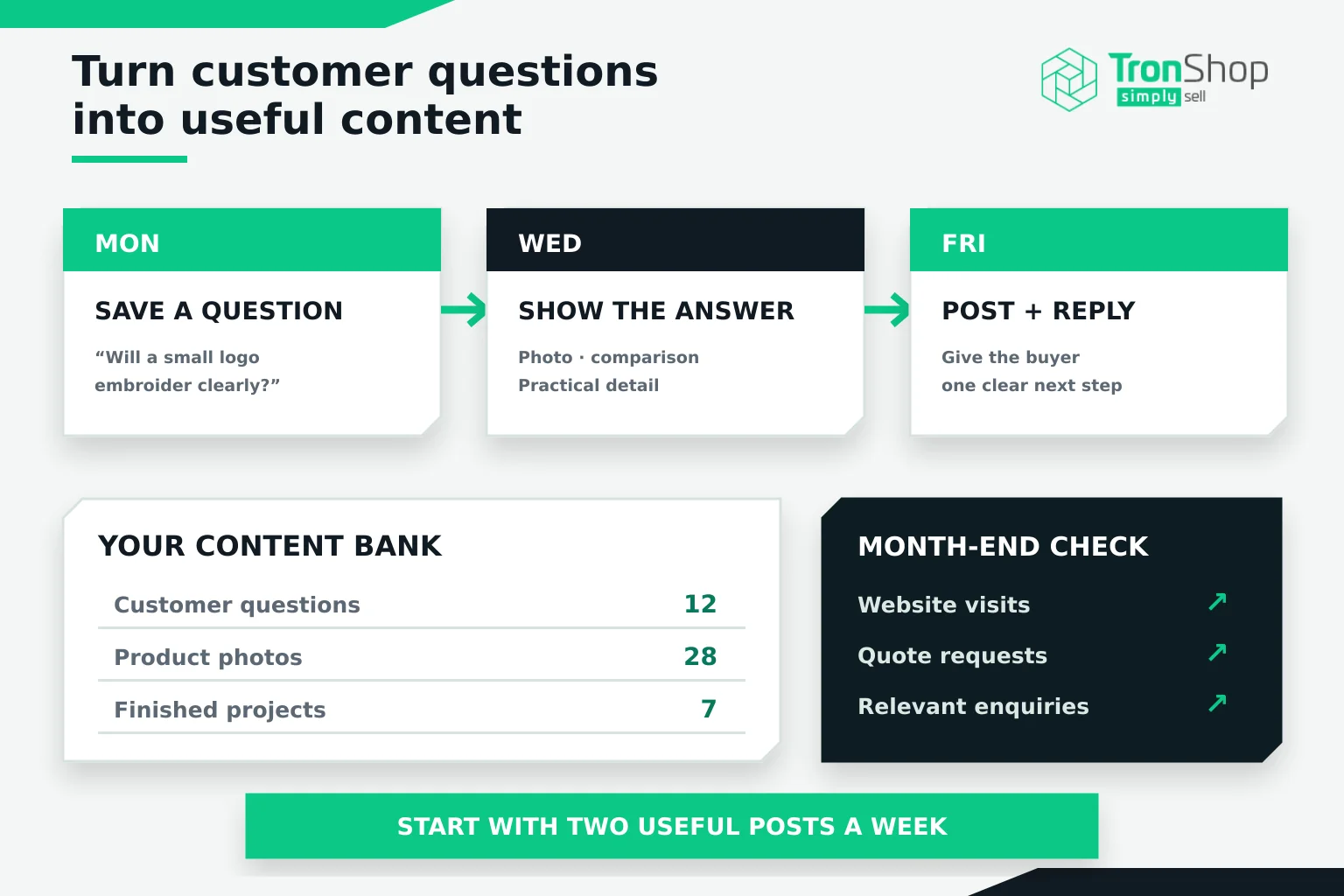
At the end of the month, look beyond reactions. Which posts brought relevant website visits? Did anyone ask for a quote? What did those enquiries turn into?
Ask new customers how they found you as well. Someone may remember your product demonstration and contact you weeks later without clicking the original post.
Choose one question from this week’s enquiries and turn your answer into your next post.